How does the Tone App Online risograph effect work?+
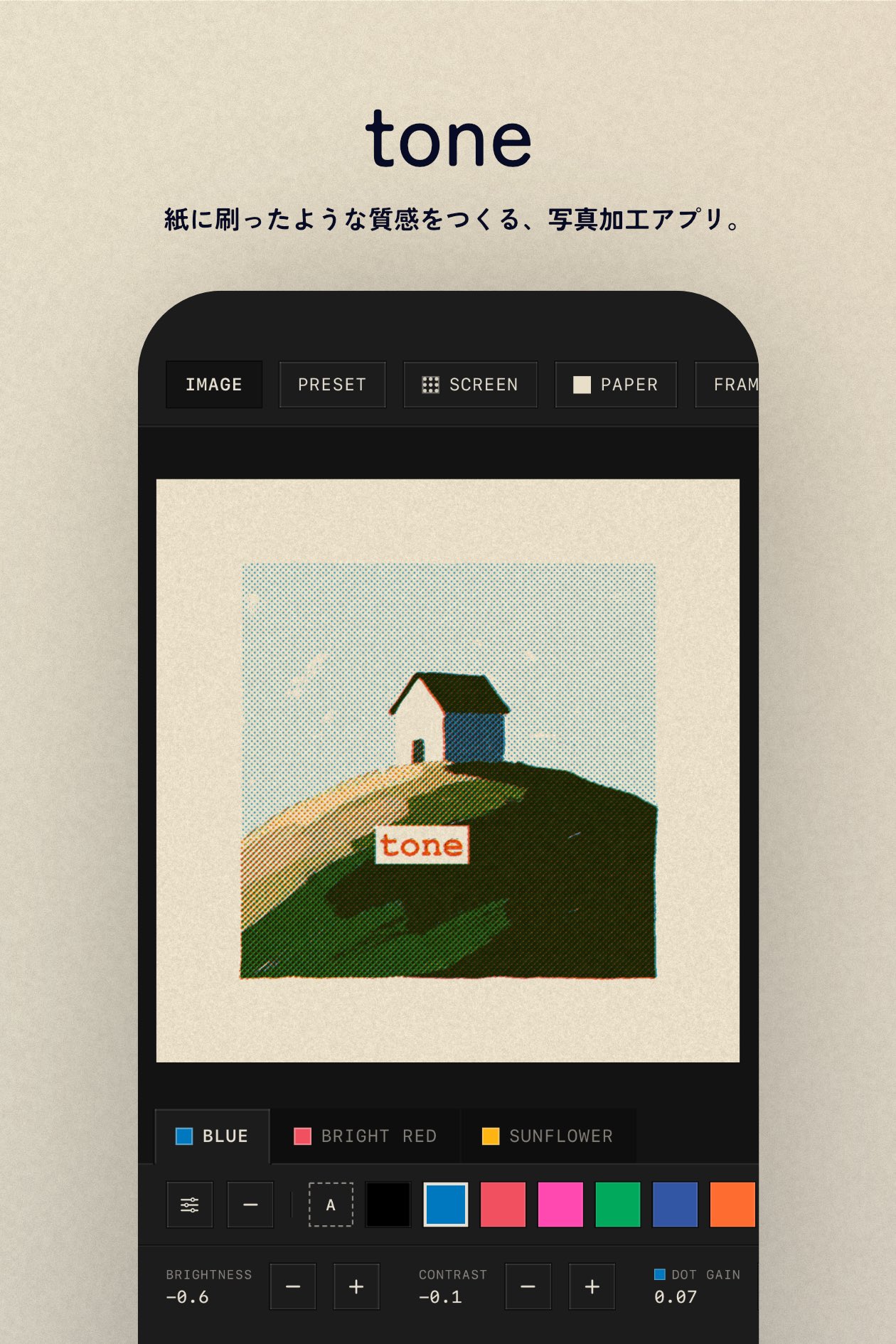
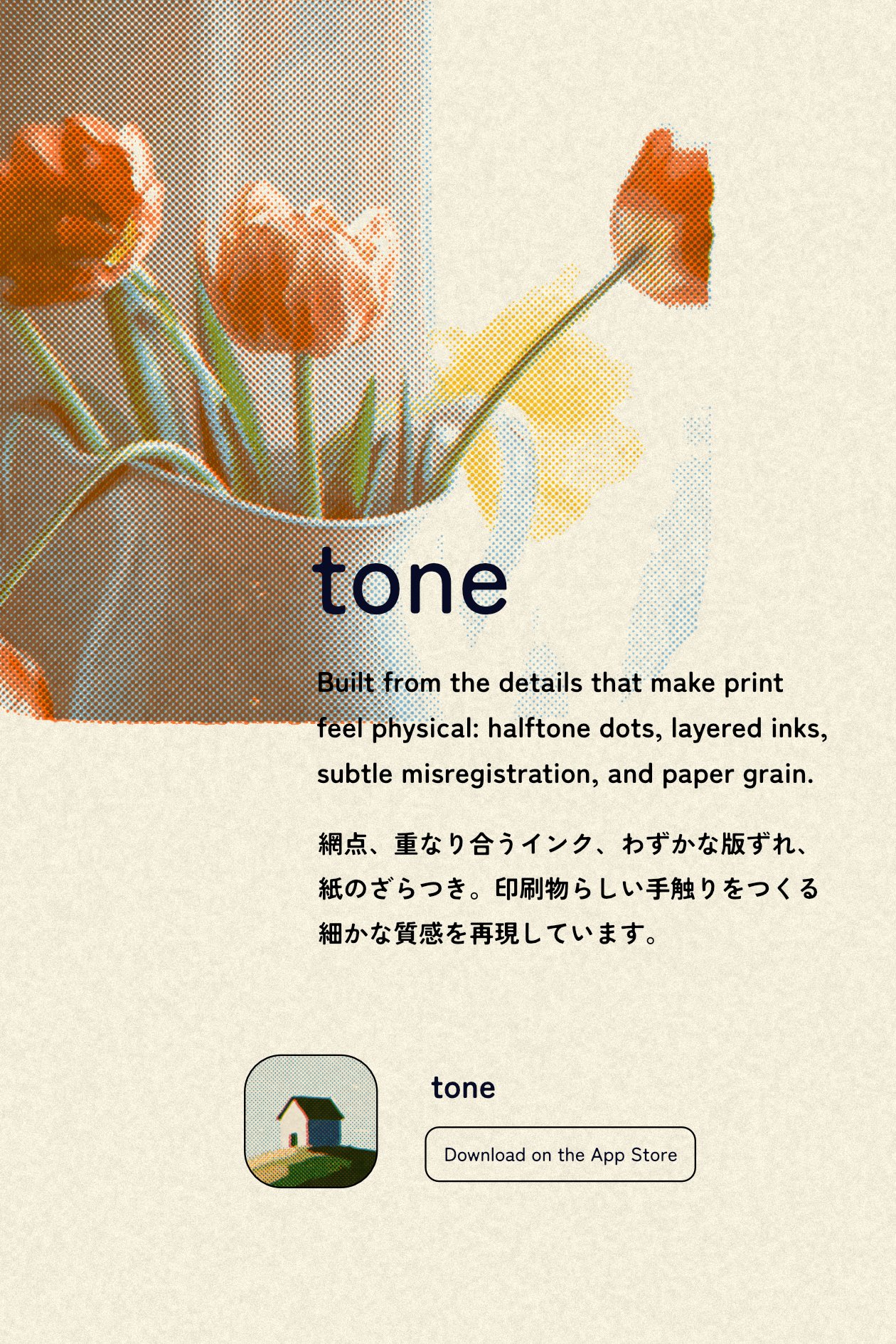
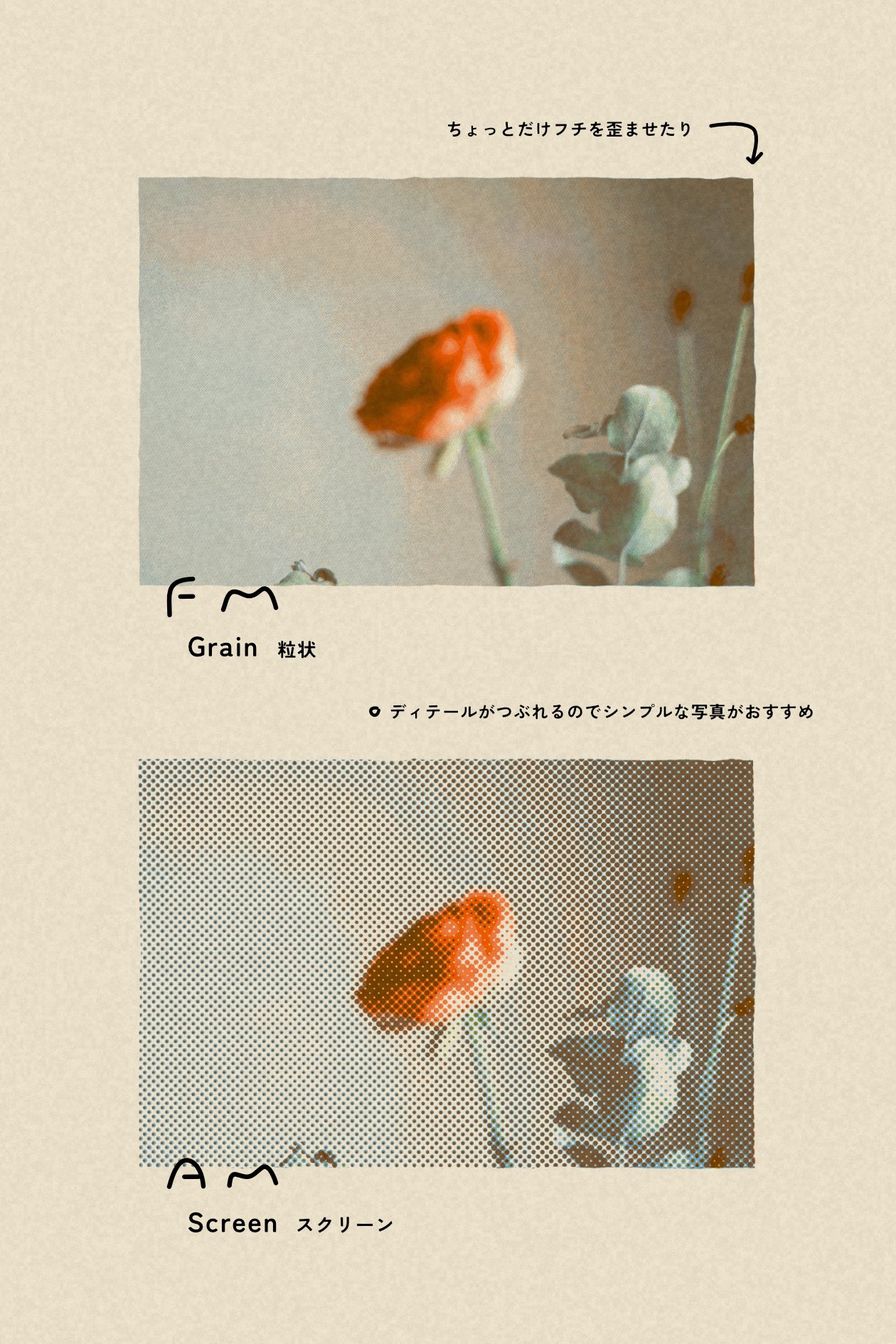
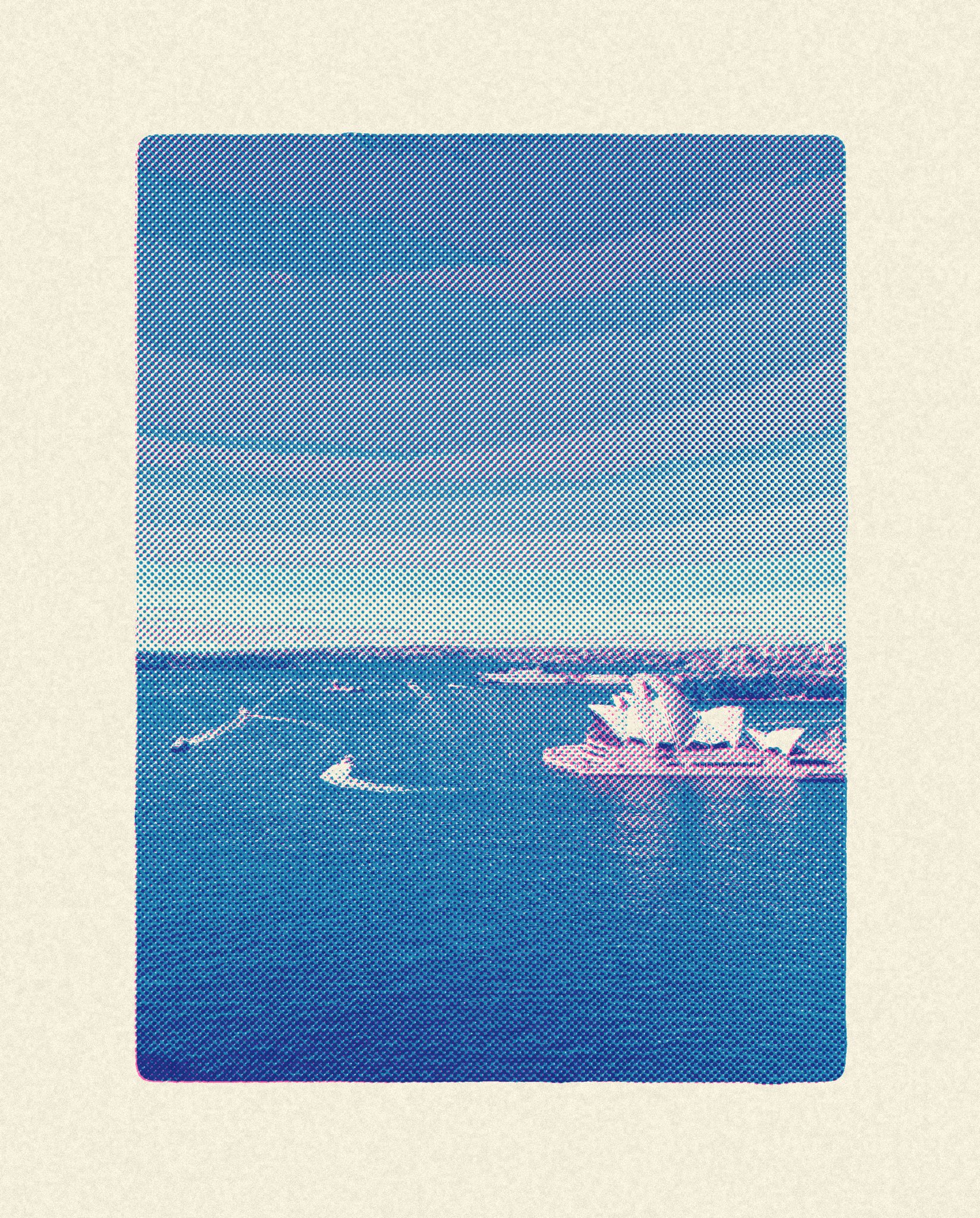
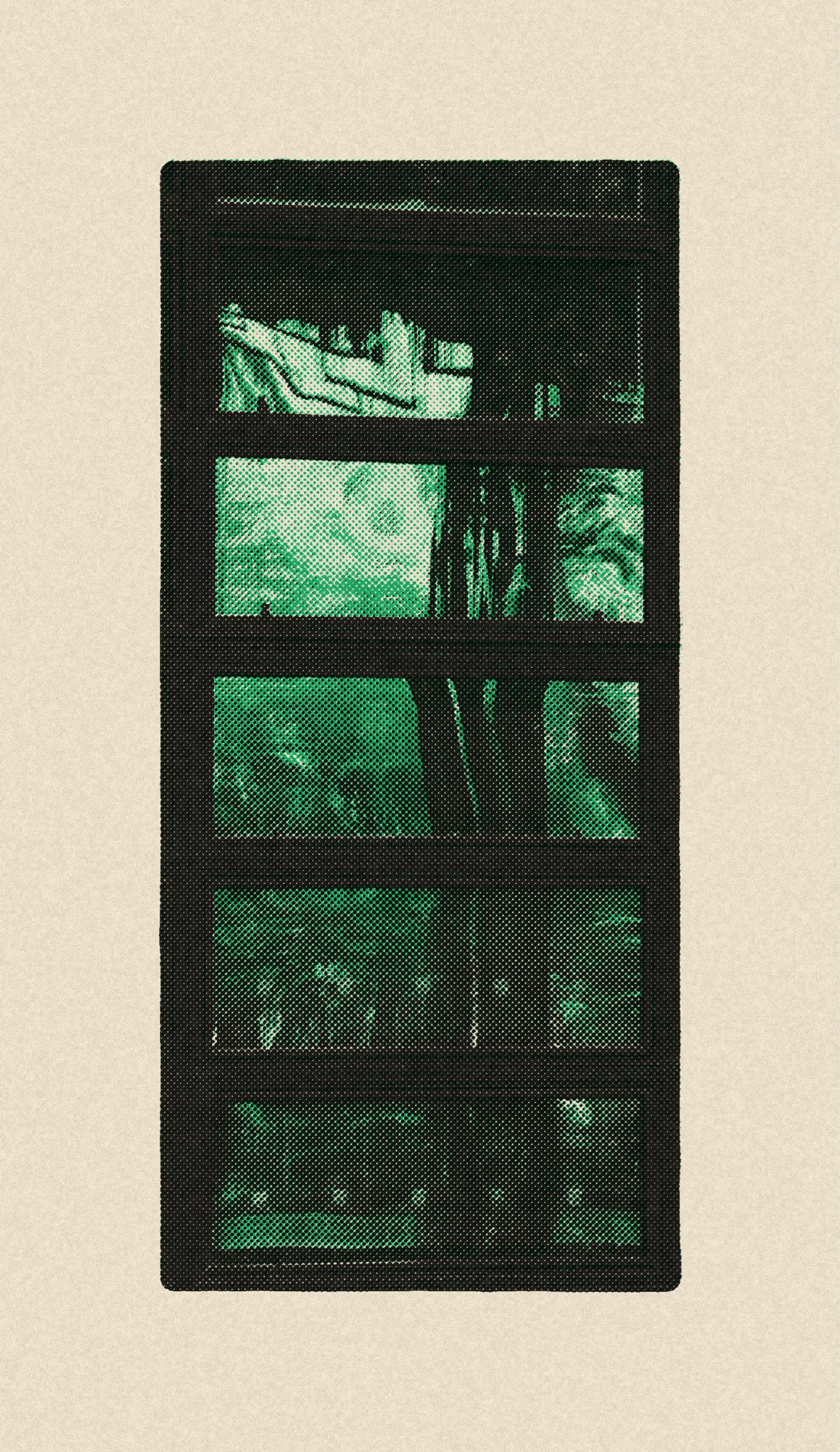
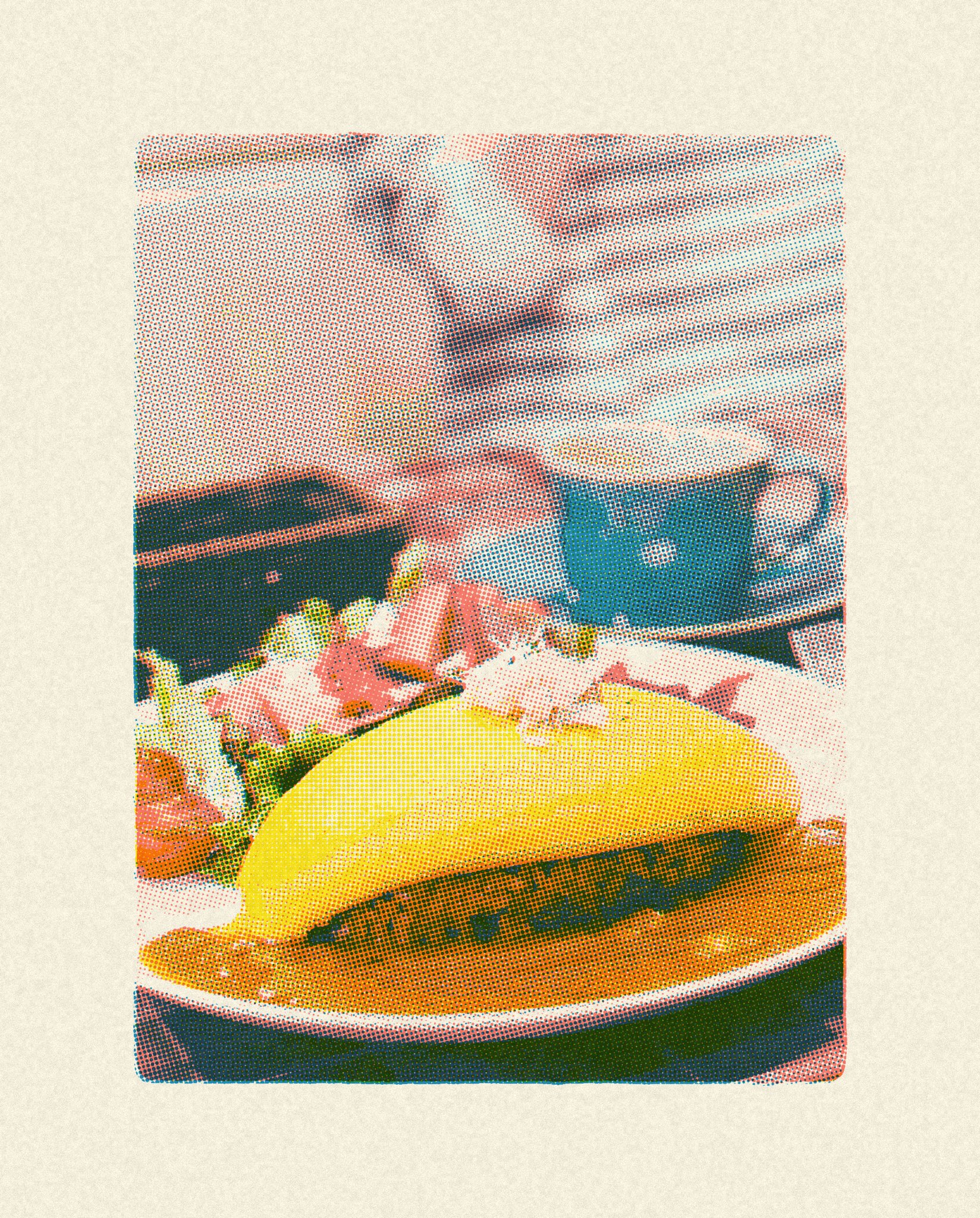
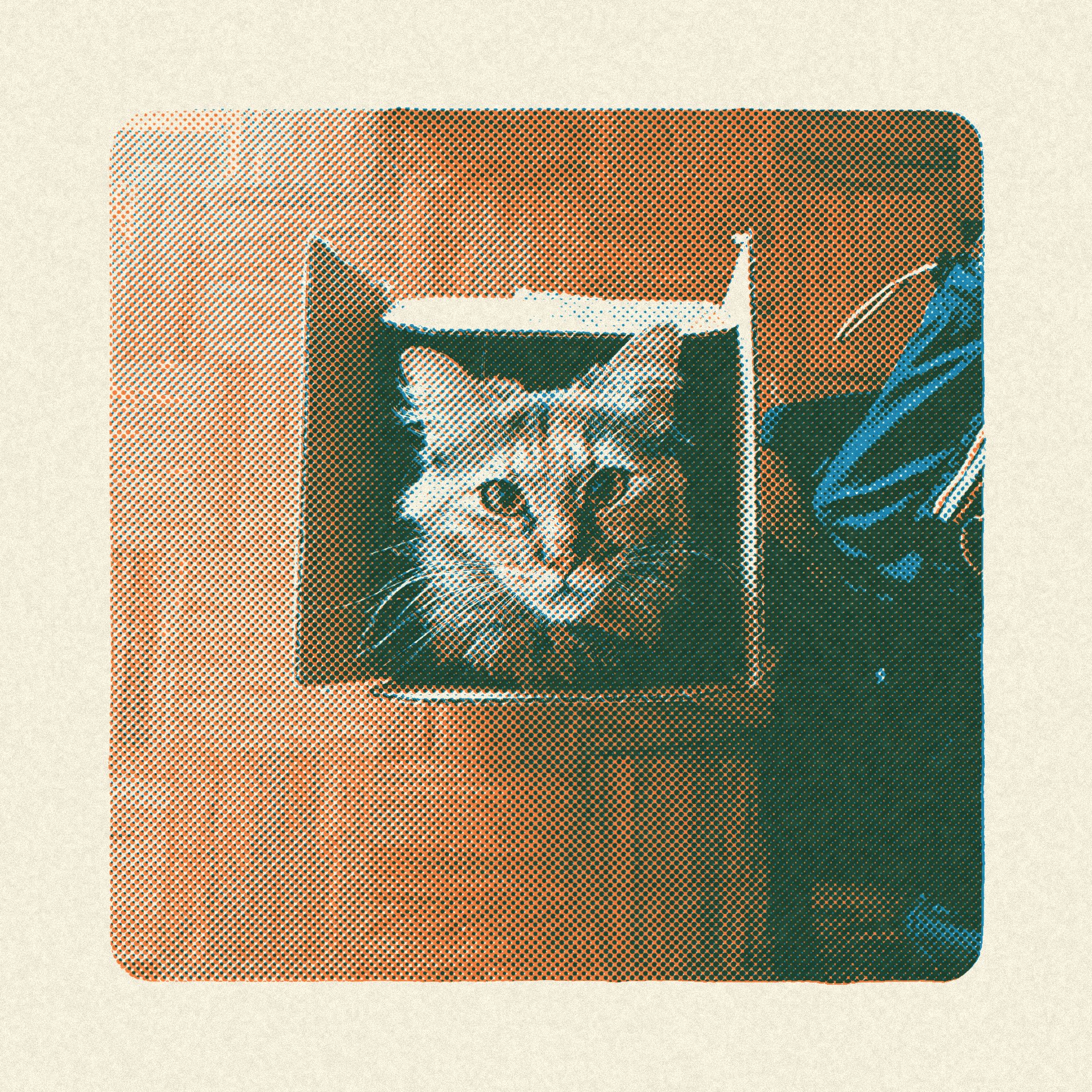
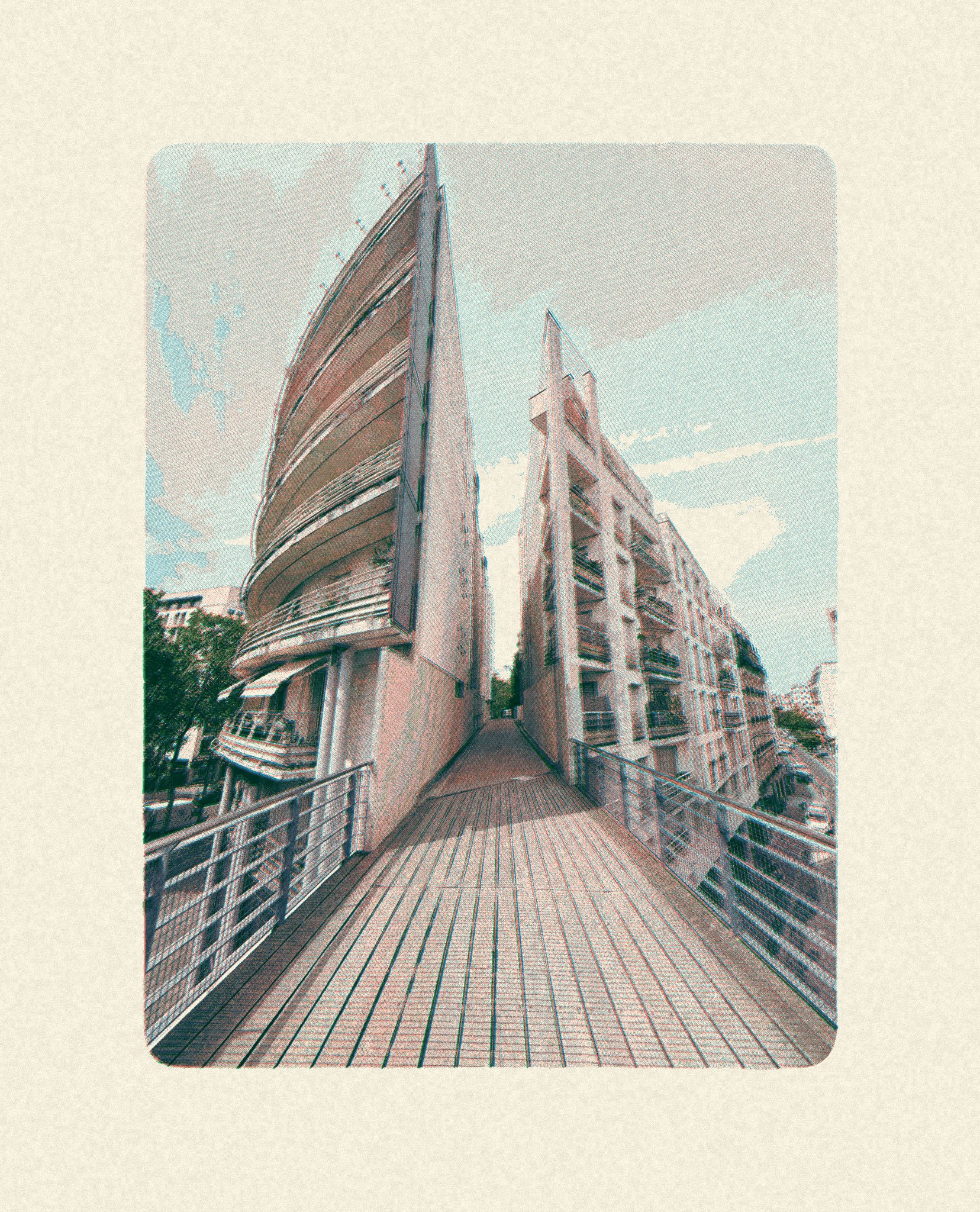
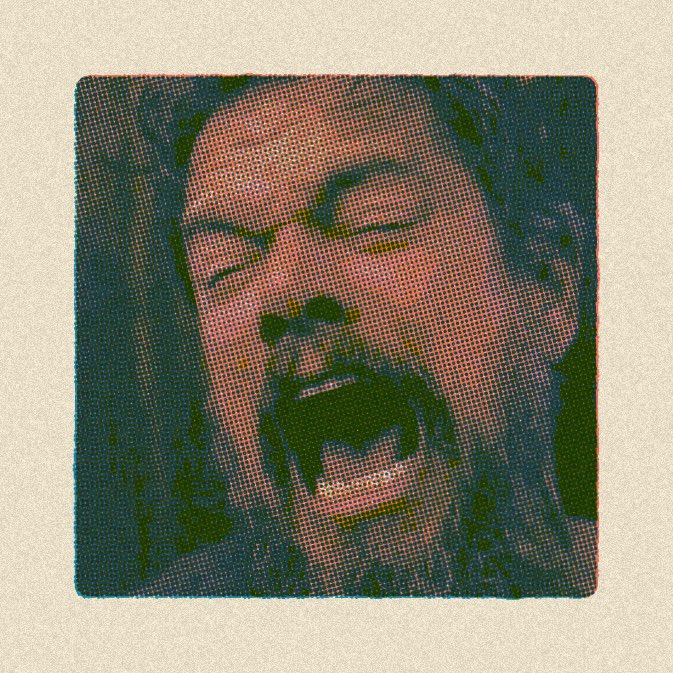
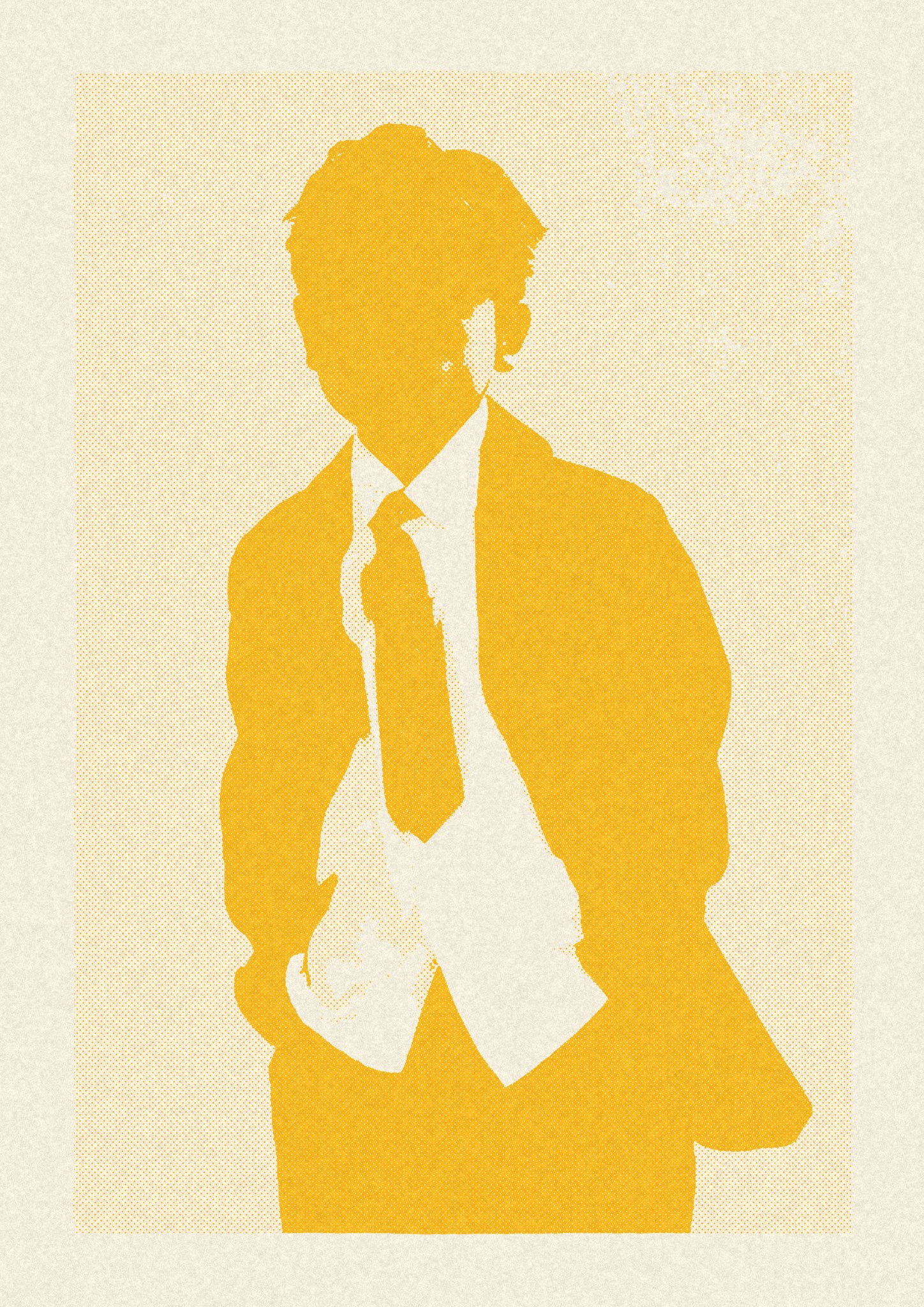
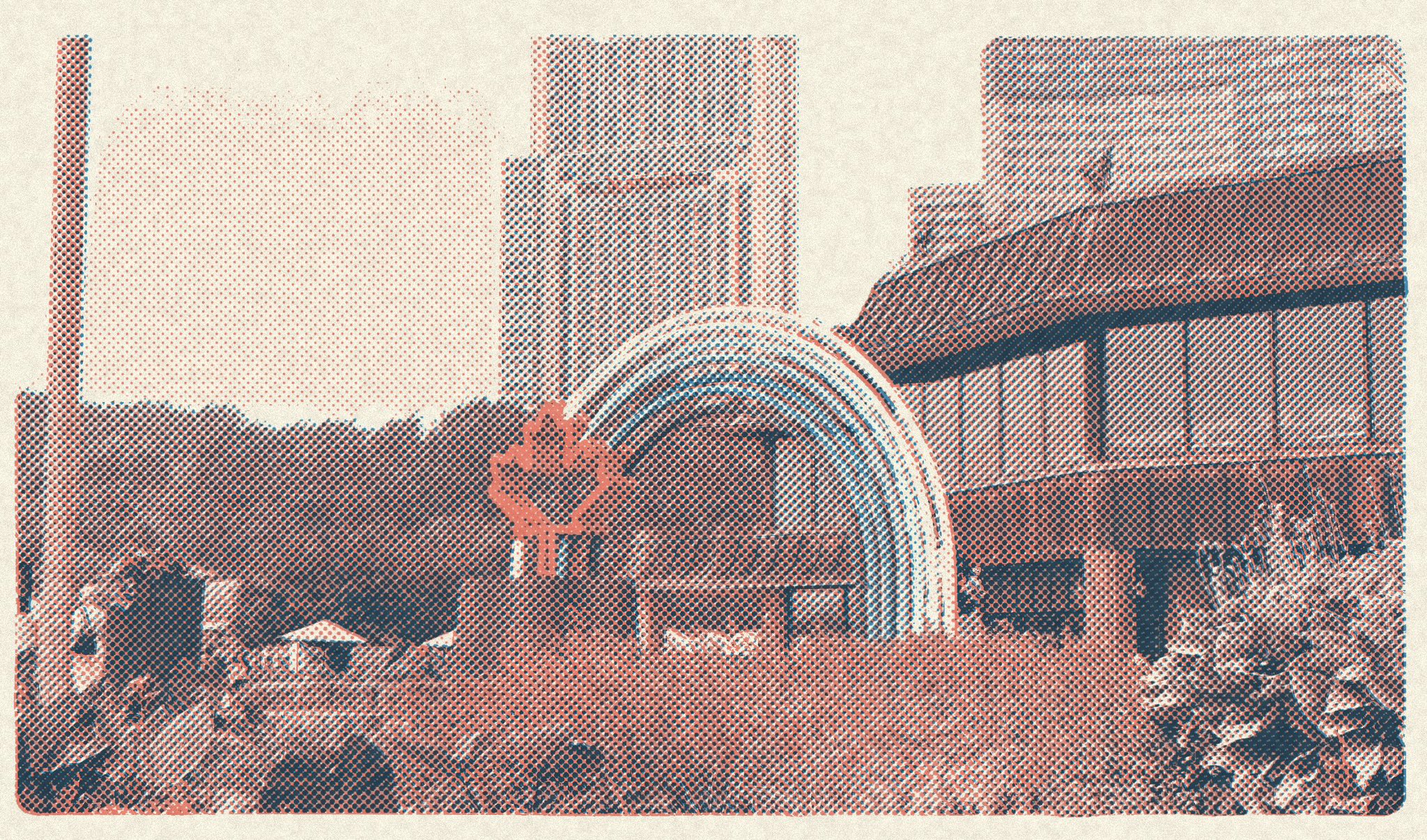
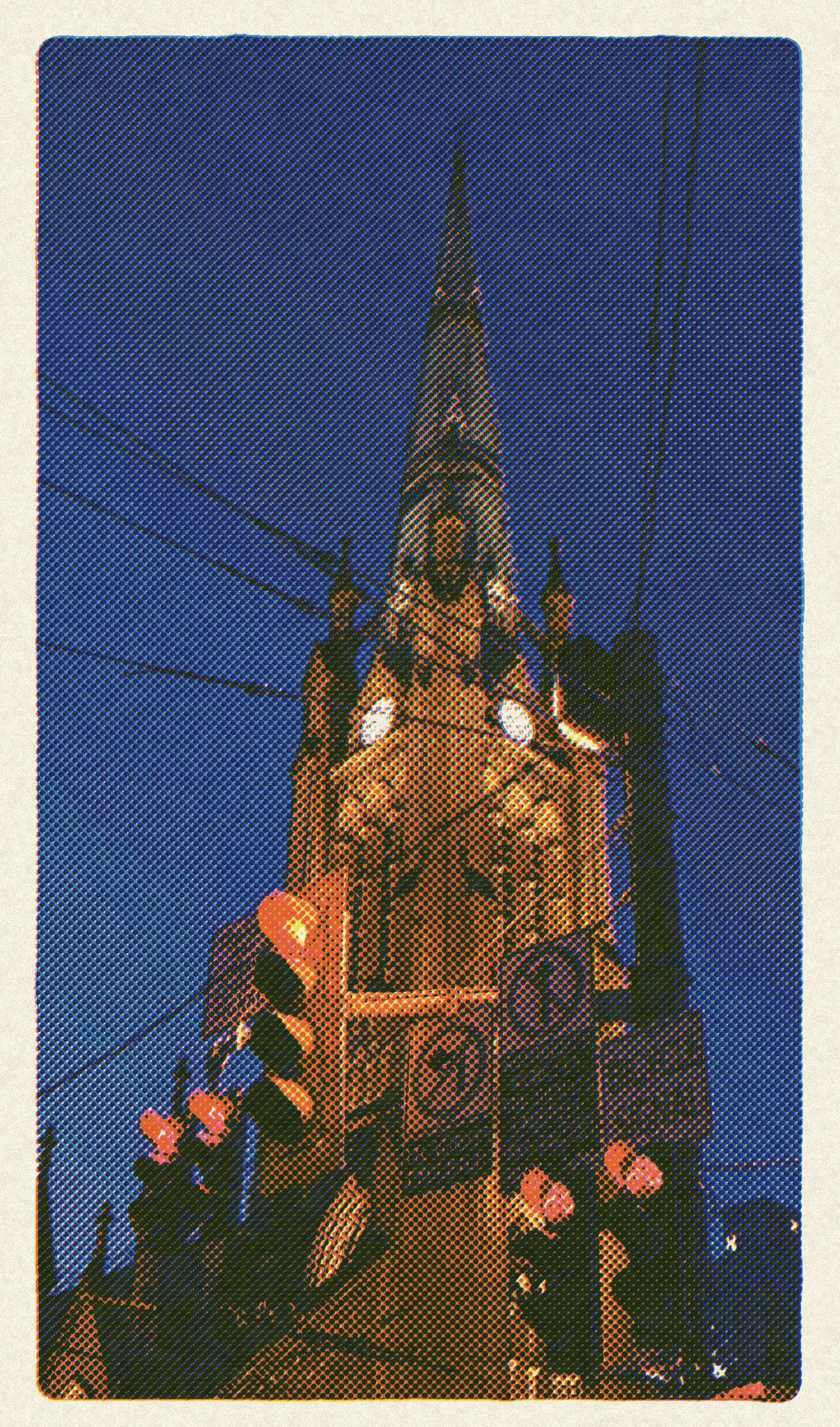
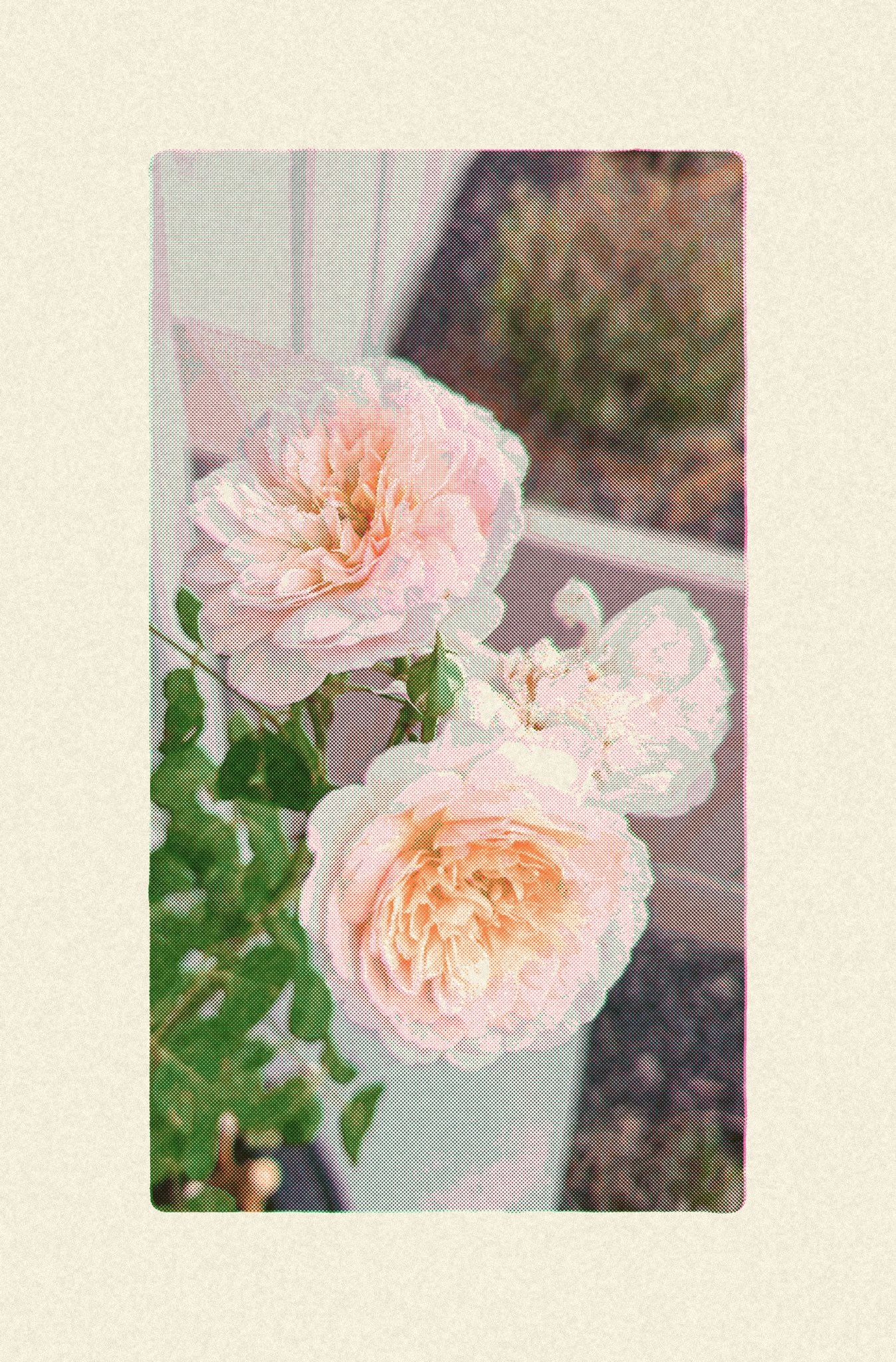
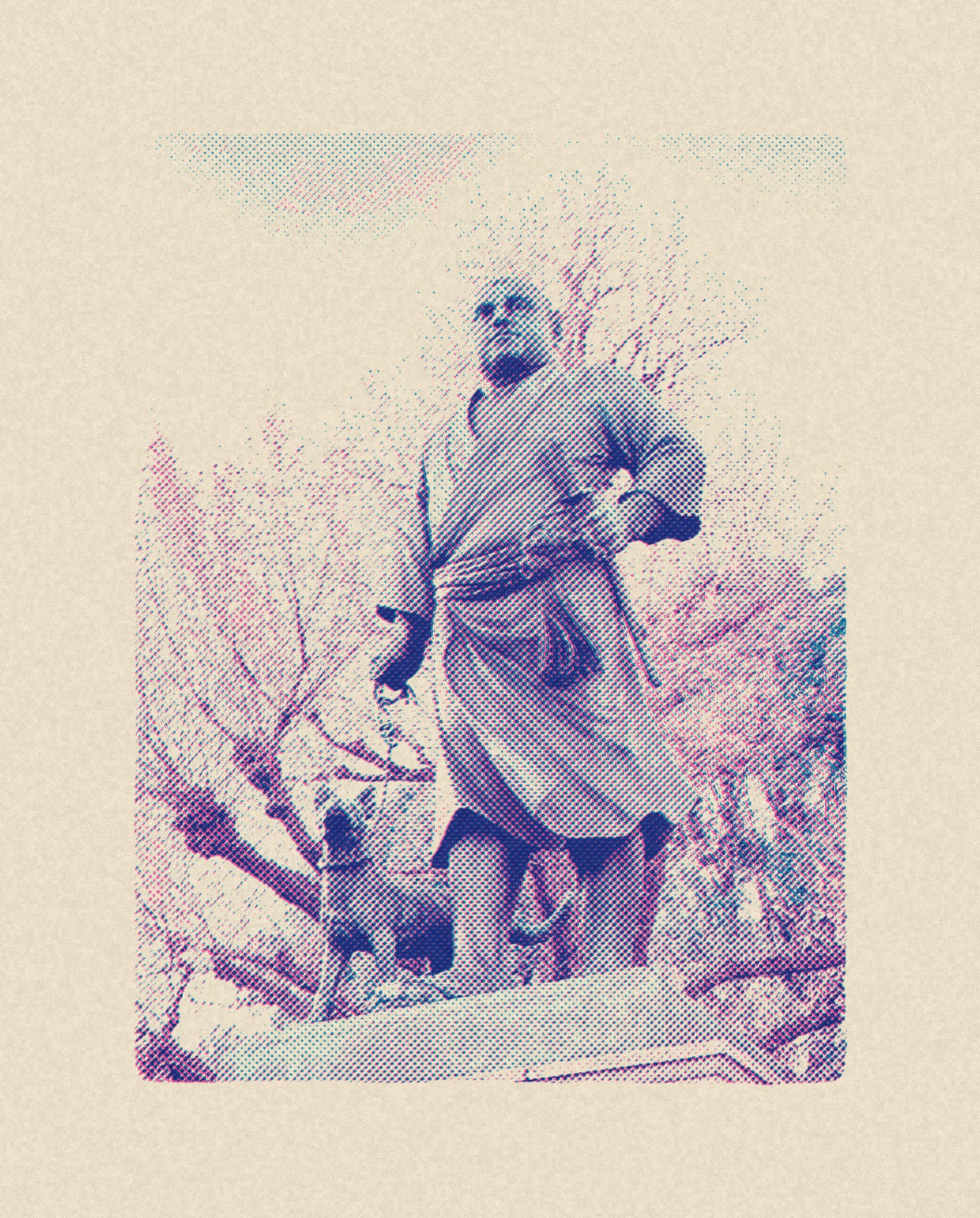
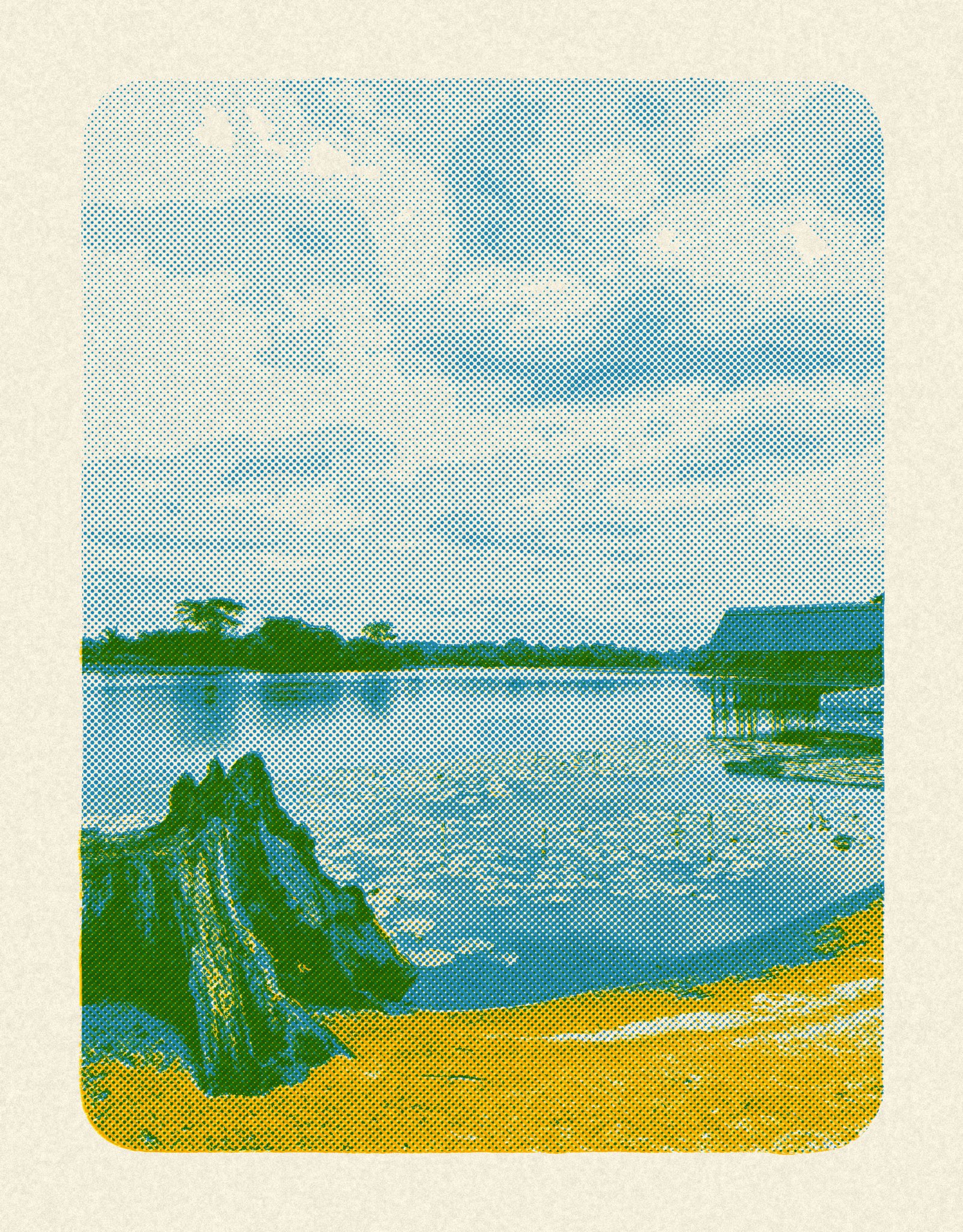
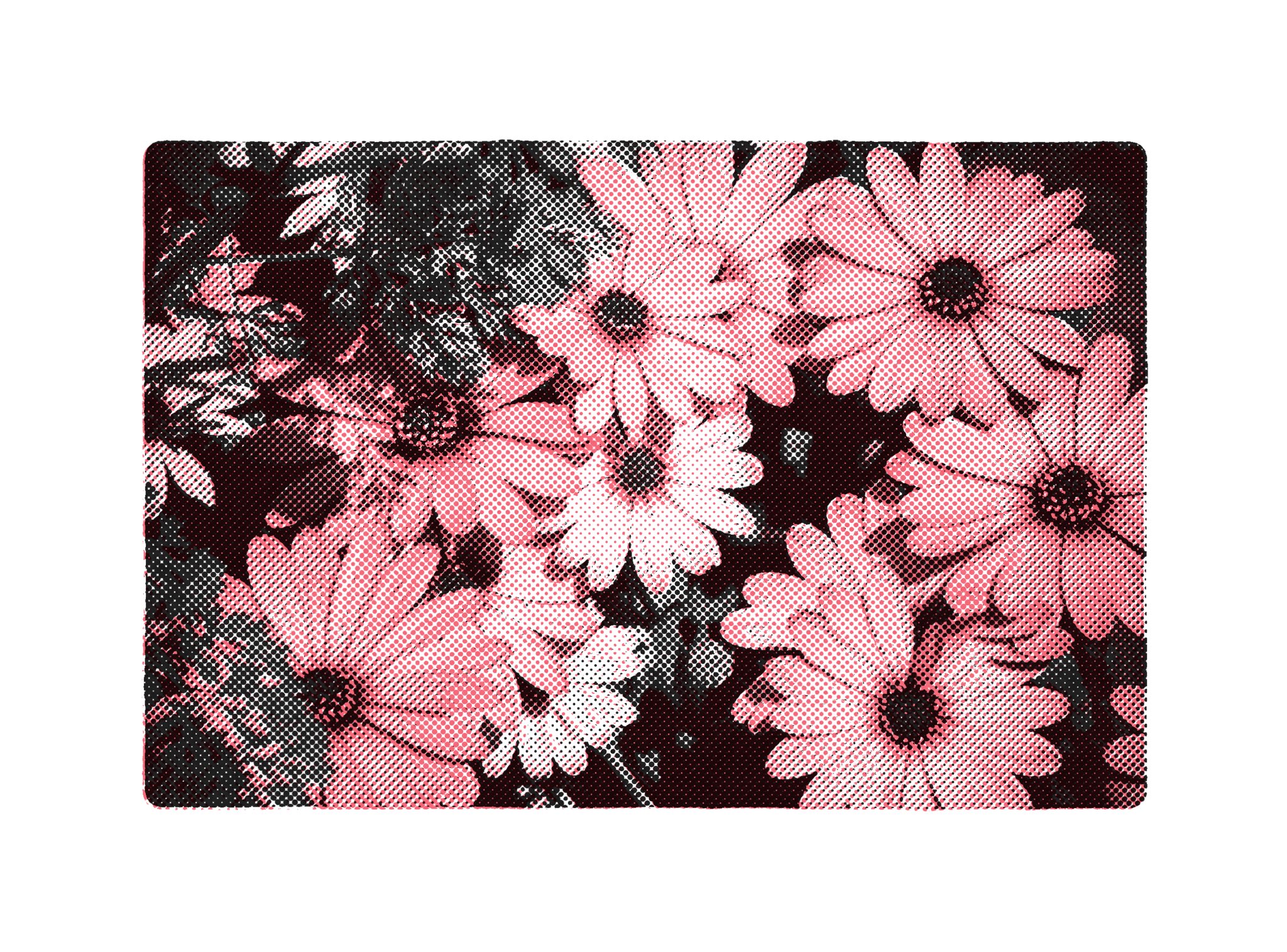
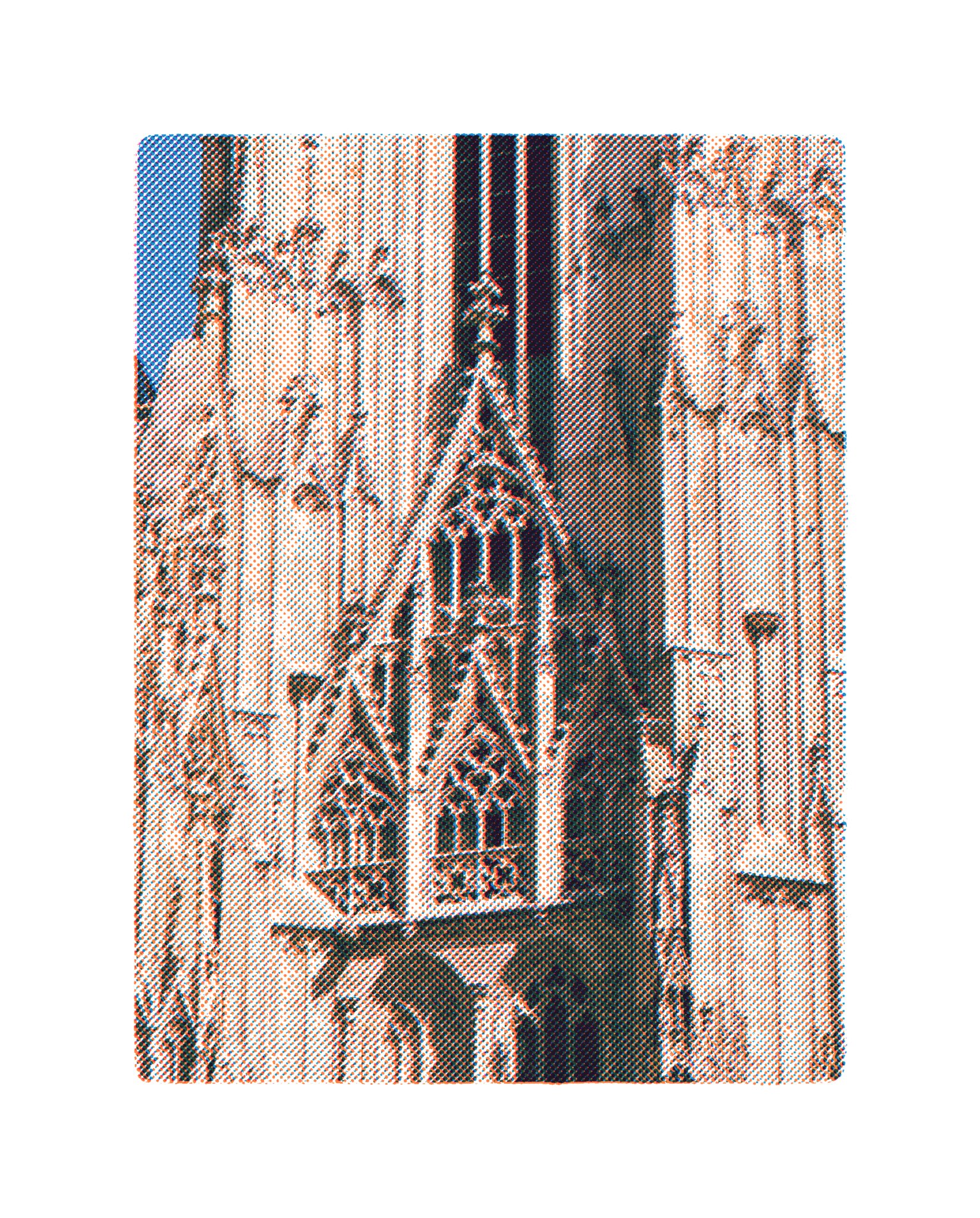
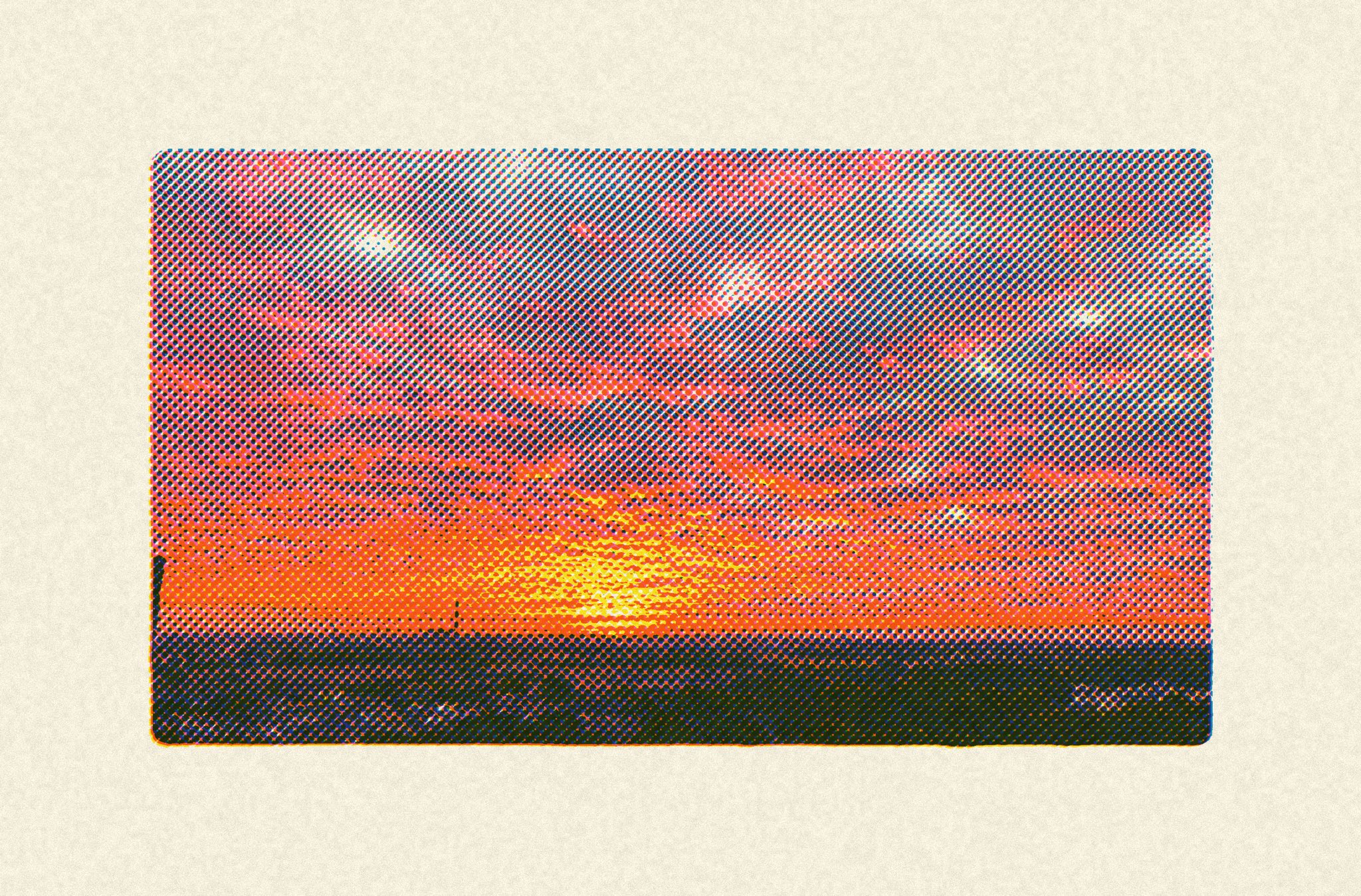
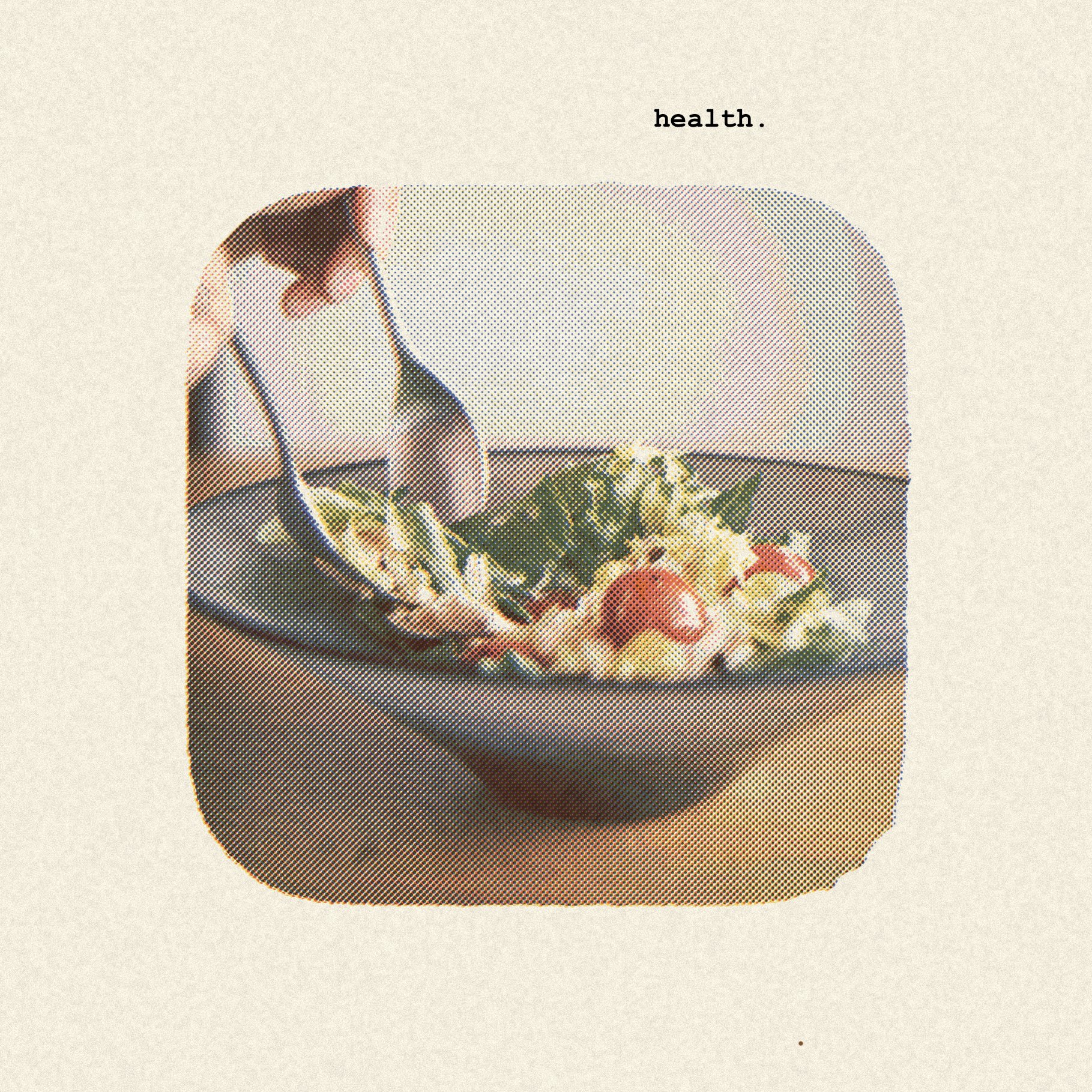
Tone App Online reads the light and dark values in your photo, divides them across one to three simulated ink layers, and blends those layers with a Multiply effect. Halftone dots carry the midtones. Registration drift, paper color, and grain add the small irregularities associated with printed Riso work.
Is the Tone App Online risograph effect free?+
Yes. The browser editor, its print controls, and local PNG exports are free and do not require an account.
Which photos work best for a risograph effect?+
Start with a photo that has one clear subject, broad shapes, readable highlights and shadows, and limited fine detail. Two ink colors are often enough for portraits, flowers, buildings, and simple landscapes. Busy scenes can still work, but larger halftone dots and stronger contrast usually make them easier to read.
Does the Tone App Online risograph effect upload or store my photo?+
No. The live risograph preview and local PNG export stay inside your browser. Tone App Online does not upload or store your source photo.
Is the Tone App Online risograph effect the same as physical Riso printing?+
No. Tone App Online simulates color separation, halftone screens, ink overlap, misregistration, and paper grain on a digital canvas. A physical Risograph uses ink drums and disposable masters on uncoated paper, so its color, texture, drying, and registration vary from each digital preview. Use Tone App Online as an effect or planning aid.
Can I use a Tone App Online risograph effect export commercially?+
You may use the exported PNG without a Tone App Online watermark, including in commercial design work, as long as you own or have permission to use the source photo. Tone App Online does not claim ownership of your result. The built-in demo image is only for testing the editor and should not be redistributed.